hello!
In this article, we want to talk about activating the position.
Minecraft world Each block has a position or coordinates that can be used to determine the location of many things.
Even our own world has a pose.
Well, now we are going to activate the position in the Java version.
1- activation in java
Well, I have to say that I do not want to activate in Java at all.
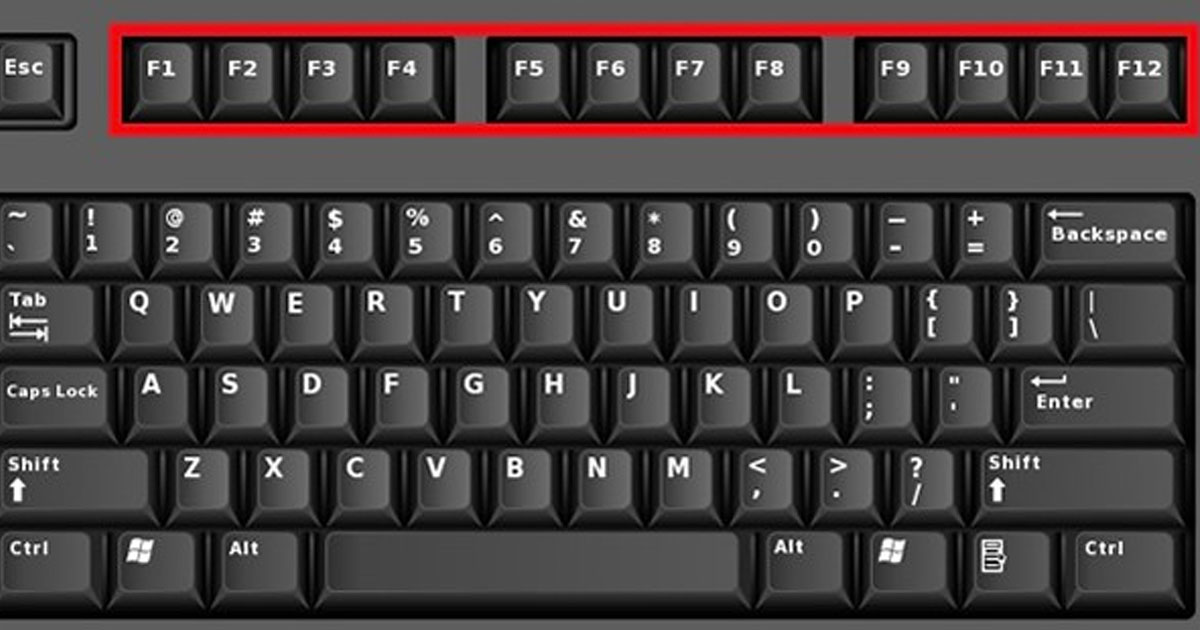
But by pressing the button F3 you can see the position.

2- activation in bedrock
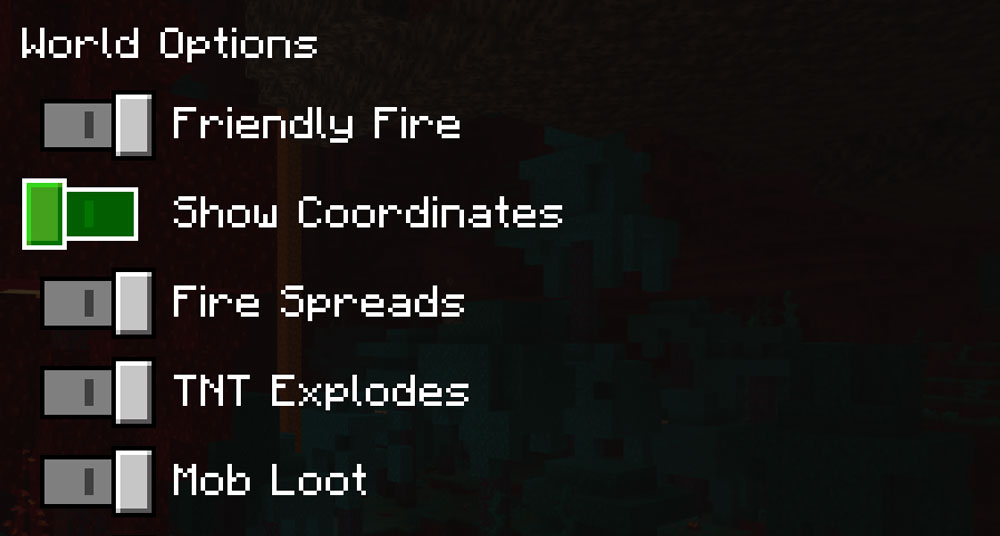
Well, unlike Java in bedrock, you have to activate the position.
Just go to the options section and scroll down and activate the show coordinates option there.
I hope you enjoyed this article.
Goodbye to other content!
please write your commant
Your message has been sent

 teslacraft